Exam photos that pass the size check
Exact KB, exact pixels, checked byte by byte before you download. Nothing leaves your phone.
Specs read from official notices, with the date we checked them.
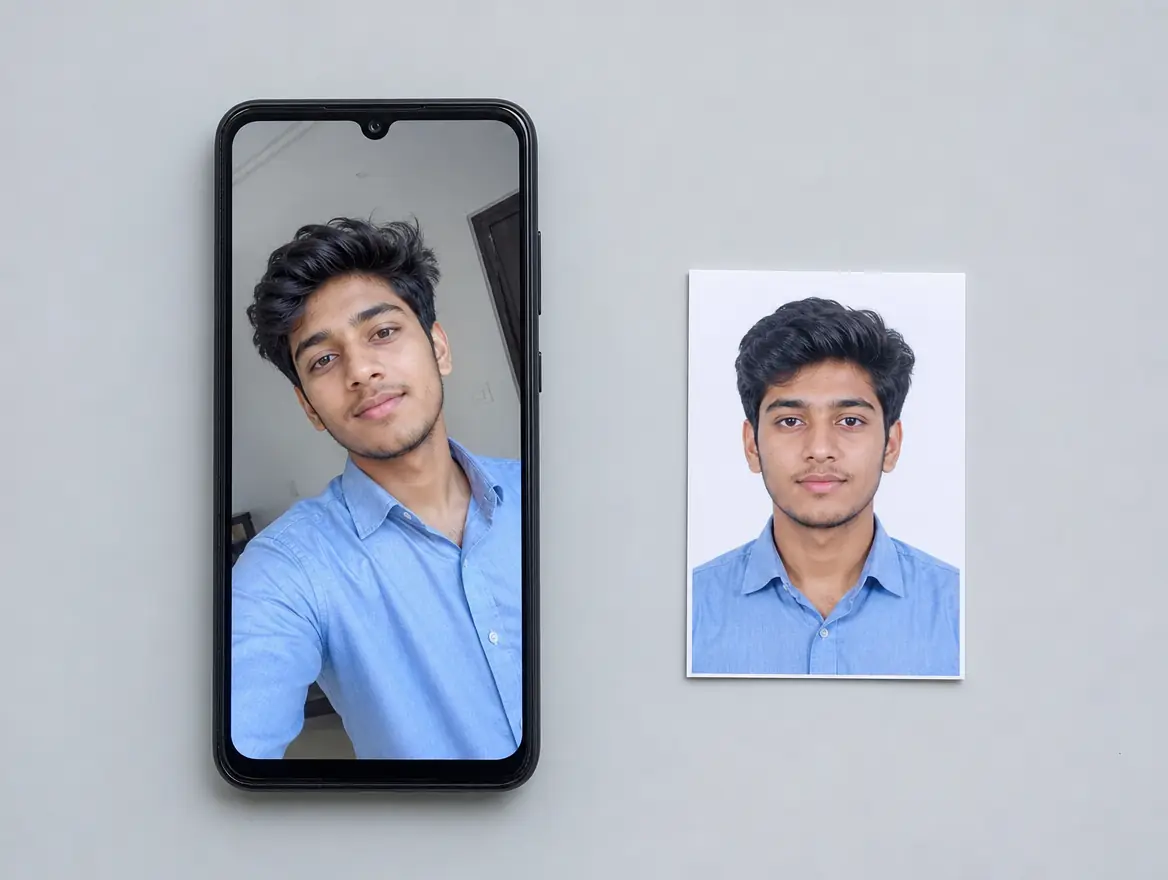
Photo
Checked result
Your checked file shows here.
Byte details
Three steps, one checked file
-
Pick your exam
Each row comes from the official notice. Not listed? Enter the limits yourself.
-
Add your photo
We crop it to the portal's shape from the center. Never stretched.
-
Download the checked file
The download only appears when every rule passes on the real bytes.
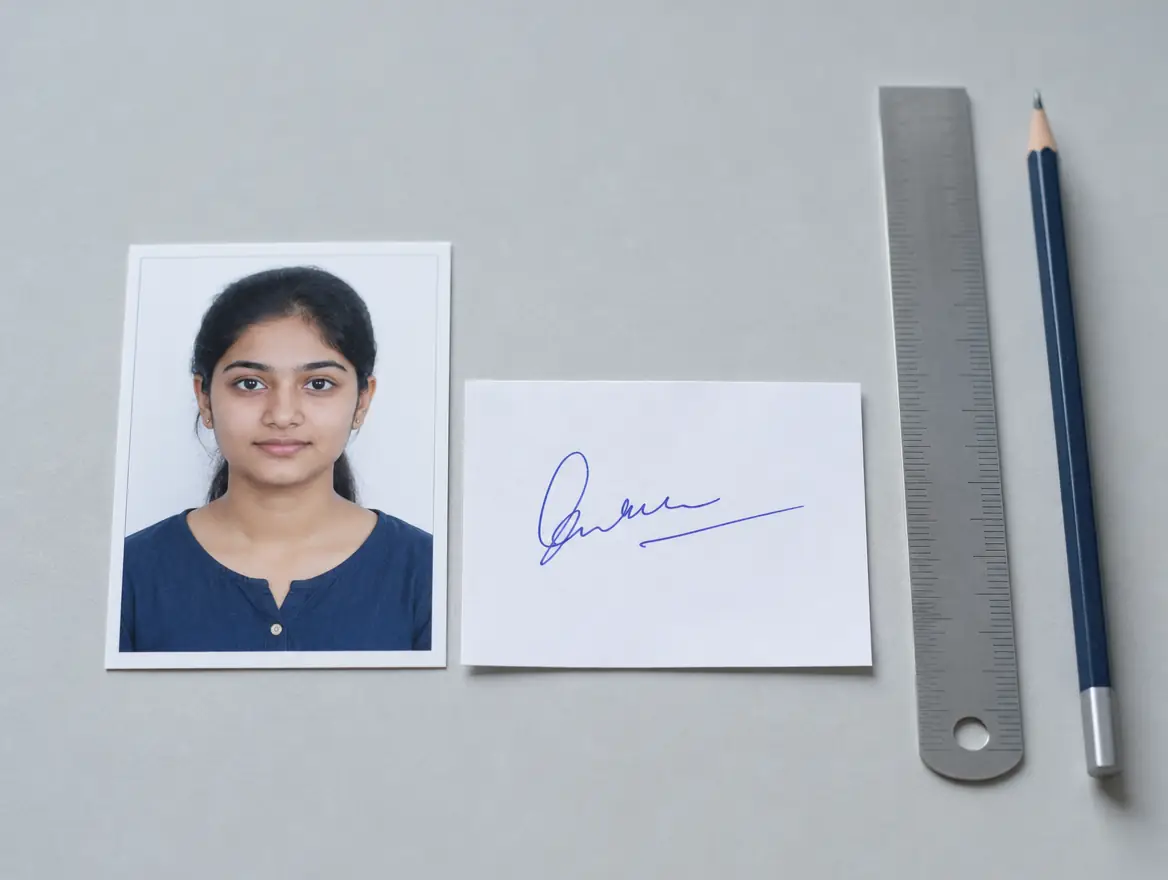
We check the file you will upload
After encoding, the page reads the bytes back and tests each rule.
- Inside the KB range at both endsNever below the minimum, valid whether the portal counts 1000 or 1024 bytes per KB.
- Exact pixel sizeCropped to the right shape, then scaled. No stretched faces.
- DPI written to matchWhen the notice gives a DPI, the file says the same.
- No hidden metadataRotation is fixed in the pixels, then EXIF data is removed.
- Opens as a real imageThe browser decodes the final file once more before you get it.
Exams with official specs
Tap an item to load it in the tool. Every row links to its notice.
फोटो और सिग्नेचर को सही KB और साइज़ में बदलें: SSC, IBPS, NEET, JEE, CUET, UGC-NET.
- JEE (Main) 2027 photograph, signature size
- NEET (UG) 2026 photograph, signature, fingers and thumb impressions size
- CUET (UG) 2026 photograph, signature size
- UGC-NET December 2026 photograph, signature size
- IBPS PO/MT-XVI photograph, signature, left thumb impression, hand-written declaration size
- IBPS SO (SPL-XVI) photograph, signature, left thumb impression, hand-written declaration size
- IBPS Clerk (CSA-XVI) photograph, signature, left thumb impression, hand-written declaration size
- SSC CGL 2026 signature size
- SSC CHSL 2026 signature size
- SSC SI Delhi Police & CAPF 2026 signature size
- SSC Stenographer C & D 2026 signature size
- SSC Combined Hindi Translators 2026 signature size
Your photo stays on your phone
Resizing, checking and the PDF all run inside your browser. There is no upload, no account and no copy kept anywhere.
We count page visits and downloads to see what people use. There are no cookies and no ID that follows you.
Questions
- Why do you show two KB numbers?
- Notices rarely say if 1 KB means 1000 or 1024 bytes. We keep the file inside the range under both readings.
- Will my photo look stretched?
- No. It is cropped to the portal's width and height ratio, then scaled to the exact pixels.
- My exam is not in the list.
- Choose Custom spec and type the KB range and pixel size from your notice.
- Is acceptance guaranteed?
- No. The file matches the published spec on the date shown. The portal decides, and its face and background rules still apply.
- What if the file is too small?
- We add a harmless comment block to reach the minimum. The pixels do not change.
- Can I make a PDF of my documents?
- Yes. Pick Document PDF, add page images, and set the max KB.